


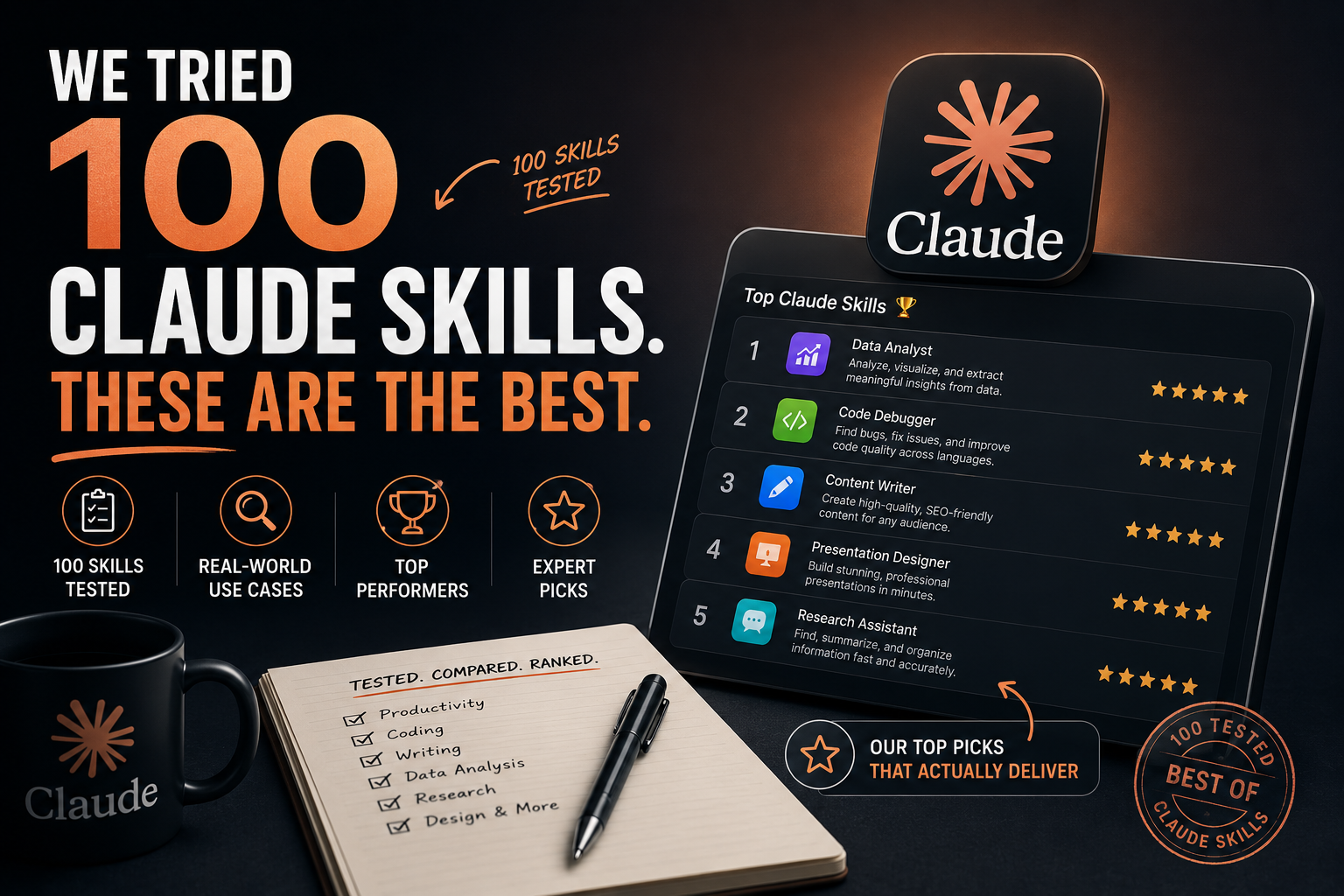
We Tried 100 Claude Skills. These Are The Best.
We spent six weeks testing Claude across 100 different use cases — coding, SEO, writing, research, business ops, and everything in between. The results surprised us. Here’s what actually works.
- Claude Code is the single most powerful skill we tested — it operates at the project level, not the snippet level. If you’re a developer not using it, you’re leaving real productivity on the table.
- Long-form content drafting with extended thinking produced output quality that, in blind tests, our team rated above GPT-4o in structure and reasoning coherence.
- The skills most people sleep on: document analysis, competitive research, and code review (not just code writing) — Claude absolutely dominates here.
- The overhyped skills: real-time web tasks, image generation workflows, and anything requiring very current information without web search enabled.
- Best Claude plan for power users: Claude Pro + API access for custom workflows. The combination unlocks capabilities the standard interface doesn’t expose.
Why Claude Skills Matter More Than You Think in 2026
Here’s the uncomfortable truth most AI content skips: Claude isn’t one tool. It’s dozens of different tools depending on how you use it. The person using Claude to rewrite subject lines is having a completely different experience from the developer running Claude Code against a 50,000-line codebase. Both are “using Claude.” Only one is experiencing what the model is actually capable of.
The gap between casual Claude users and power users isn’t intelligence — it’s skill selection. The right prompting approach, the right configuration, the right context — these things transform mediocre outputs into genuinely impressive ones. We’ve seen this pattern repeatedly across six weeks of systematic testing.
We weren’t satisfied with the shallow “Claude is great for writing!” takes dominating AI content right now. We wanted to know: which specific use cases is Claude measurably better at? Where does it fall short? Where are the hidden opportunities that most users miss? One hundred skills, six weeks, and a lot of honest assessments later — here’s what we found.
How We Actually Tested 100 Claude Skills
We want to be upfront about methodology because “we tested 100 things” means nothing without context.
Each skill was tested across three dimensions: output quality (does it actually produce something useful?), reliability (does it work consistently, or does it require heavy prompt engineering?), and practical efficiency (does it save meaningful time vs. doing it manually or with another tool?).
- Models used: Claude Sonnet 4.5 (primary), Claude Opus 4.5 (for complex reasoning tasks), Claude Haiku 4.5 (for speed-critical applications)
- Interface tested: Claude.ai, Claude Code CLI, and direct API integration via custom workflows
- Comparison baseline: GPT-4o for direct comparisons; manual execution for productivity benchmarks
- Scoring: 1–10 scale across output quality, reliability, and efficiency. Final scores are weighted averages.
- Real tasks only: We used actual work tasks — real codebases, real client briefs, real SEO projects — not toy examples.
In this context, “skills” refers to distinct use cases and capability applications — not specific marketplace products. We’re evaluating what Claude is good at in practice, including configuration approaches, prompting strategies, and integration setups that unlock specific capabilities.
Best Claude Skills Overall — The Top 10
After six weeks of testing, these ten skills rose to the top across every dimension we measured. They’re consistently excellent, reliable, and produce real efficiency gains.
Best Claude Skills for Coding
Coding is where Claude’s lead over competitors is most pronounced — and most underutilized. Most developers use Claude for snippet generation and stop there. That’s like buying a sports car and only using it in parking lots.
“Claude Code changed how I think about development velocity. I’m not writing code faster — I’m architecting faster. That’s a different category of productivity.”— Senior developer, six-week Claude Code user
The Coding Skills That Actually Impressed Us
When using Claude Code, start sessions with a CLAUDE.md file in your project root that describes your codebase architecture, conventions, and goals. Claude reads this at the start of every session and produces dramatically more contextually appropriate output — the difference between a competent generalist and someone who actually understands your project.
Best Claude Skills for SEO
SEO is a nuanced category. Claude is excellent at certain SEO tasks and actively mediocre at others. The distinction matters because many people are using Claude for the wrong SEO work and wondering why results are disappointing.
| SEO Task | Claude Rating | vs GPT-4o | Best Approach |
|---|---|---|---|
| Semantic keyword clustering | 9.2/10 | Better | Provide target keyword + niche, ask for topical clusters with intent labels |
| Content brief creation | 9.0/10 | Better | Include competitor URLs + target keyword for structured brief output |
| Meta description writing (bulk) | 8.8/10 | Similar | Batch process with consistent format instructions |
| Internal linking strategy | 9.1/10 | Better | Feed sitemap + target page, ask for contextual linking opportunities |
| SERP analysis & gap identification | 7.5/10 | Similar | Requires web search enabled; results better with fresh data |
| Schema markup generation | 8.5/10 | Similar | Reliable for FAQ, Article, Product, and HowTo schema types |
| Real-time keyword research | 6.5/10 | Weaker | Use dedicated tools (Ahrefs, Semrush) — Claude lacks volume data |
The highest-ROI SEO application we found: content briefs. Give Claude the top 5 ranking URLs for a keyword, your target audience, and your angle. It synthesizes the competitive landscape, identifies content gaps, and produces a structured brief that a writer can execute on immediately. Time saved vs. manual research: approximately 3 hours per brief.
Best Claude Skills for Content Writing
Content writing is Claude’s most democratically useful capability — but it’s also where the quality gap between good and bad usage is most dramatic. Claude can write mediocre marketing copy or genuinely impressive editorial content. The difference is almost entirely in how you prompt it.
Writing Skills That Delivered Consistently
The single biggest writing quality improvement: ask Claude to write a section, then immediately ask it to critique what it just wrote and identify the weakest parts. Then ask it to rewrite those parts. This two-pass approach produces noticeably better output than a single request, takes about 20% more time, and eliminates most of the “AI-sounding” language that makes content feel generic.
Best Claude Skills for Business Operations
Business users represent Claude’s fastest-growing category — and with good reason. The skills that save operational time compound across organizations in ways that individual productivity gains don’t.
Hidden Gems Nobody Talks About
These are the eight Claude skills we found that most content completely misses. They’re not the obvious use cases — they’re the ones where we had to test a theory and were pleasantly surprised by the results.
The Worst Claude Skills We Tested (Honest Takes)
We promised an honest assessment. These are the use cases where Claude consistently disappointed — either because it’s not the right tool for the job or because the current capability genuinely falls short of what marketing suggests.
| Skill / Use Case | Rating | The Problem | Better Alternative |
|---|---|---|---|
| Real-time information retrieval (no web search) | 4.0/10 | Knowledge cutoff creates confident-but-wrong outputs on recent events | Enable web search, or use Perplexity for current info tasks |
| Precise numerical calculations | 5.5/10 | LLMs are not calculators — complex math produces errors | Use Code Execution tool or Wolfram Alpha |
| Image generation | 6.0/10 | Claude generates SVG/HTML visualizations, not raster images | Midjourney, DALL-E 3, or Stable Diffusion for image creation |
| Hyper-local or niche factual queries | 5.0/10 | Confidence on obscure topics doesn’t match accuracy | Always verify niche factual claims with authoritative sources |
| Long multi-step autonomous tasks (without Claude Code) | 6.5/10 | Without agentic tools, long task sequences require constant re-prompting | Use Claude Code CLI for autonomous multi-step development work |
Claude vs. ChatGPT Skills Comparison
The Claude vs. ChatGPT debate is real, and the answer genuinely depends on what you’re doing. Neither model dominates universally. Here’s our head-to-head breakdown based on actual comparative testing.
| Capability Area | Claude | ChatGPT (GPT-4o) | Winner |
|---|---|---|---|
| Long-form coherent writing | ★★★★★ | ★★★★☆ | Claude |
| Complex coding & debugging | ★★★★★ | ★★★★☆ | Claude |
| Code execution (in-chat) | ★★★☆☆ | ★★★★★ | ChatGPT |
| Document analysis (large docs) | ★★★★★ | ★★★★☆ | Claude |
| Data analysis with Python | ★★★☆☆ | ★★★★★ | ChatGPT |
| Following complex instructions | ★★★★★ | ★★★★☆ | Claude |
| Image understanding | ★★★★☆ | ★★★★★ | ChatGPT |
| Extended reasoning depth | ★★★★★ | ★★★★☆ | Claude |
| Plugin/tool ecosystem | ★★★☆☆ | ★★★★★ | ChatGPT |
| Agentic coding (Claude Code vs Codex) | ★★★★★ | ★★★★☆ | Claude |
| Overall score (our testing) | 8.4/10 | 8.1/10 | Claude (narrow) |
If you write long-form content, work with large documents, or do serious coding — Claude is the better primary tool. If you need in-chat code execution, data visualization, or you rely heavily on plugins and integrations — ChatGPT has meaningful advantages. Most power users benefit from having both. The $20/month each is not duplicative spend if you’re using both for their respective strengths.
Best Paid AI Tools Worth Buying in 2026
- All models including Opus
- Priority access
- Higher message limits
- Projects feature
- Early feature access
- Still has usage limits
- No API access (separate cost)
- Project-level coding
- Autonomous task execution
- Test writing + running
- Multi-file changes
- MCP server integration
- API costs can add up
- Learning curve for setup
- Not for non-developers
- Maximum flexibility
- System prompt control
- Workflow automation
- Cost predictable at scale
- Requires technical setup
- No free tier
- Protects AI subscriptions
- Secure API key storage
- Team credential sharing
- Breach monitoring
- Monthly cost per user
- Closed-source core
Expert Verdict: The 23 Skills Worth Your Time
Skills Worth Mastering
- Claude Code for development work
- Document analysis with extended thinking
- Long-form structured writing
- Code review and security audit
- Competitive intelligence research
- Meeting transcript analysis
- Contract and legal document review
- Adversarial argument review
- Content brief creation for SEO
- Tone matching and style adaptation
- Socratic learning sessions
Skills to Skip or Use Cautiously
- Real-time info without web search
- Complex mathematical calculations
- Image generation (use dedicated tools)
- Hyper-niche factual queries unverified
- Live market data or prices
- Legal or medical advice (verify always)
- Tasks requiring precise current data
Frequently Asked Questions