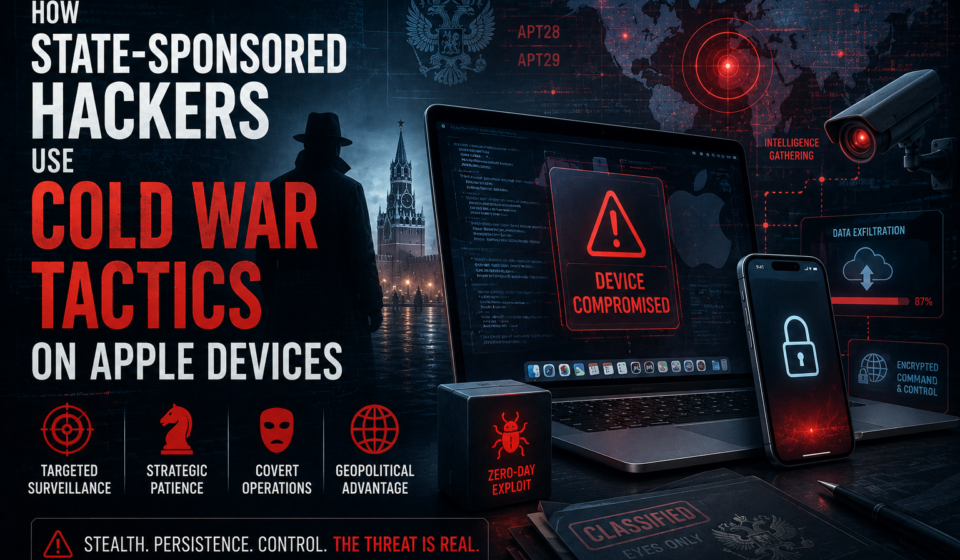
How State-Sponsored Hackers Use Cold War Tactics on Apple Devices

INTEL
REPORT
How State-Sponsored Hackers Use Cold War Tactics on Apple Devices
The Berlin Wall fell. The surveillance state didn’t. Nation-state actors have transplanted decades of intelligence tradecraft—dead drops, sleeper agents, cutouts, honey traps—into the operating system of the world’s most trusted personal computer.
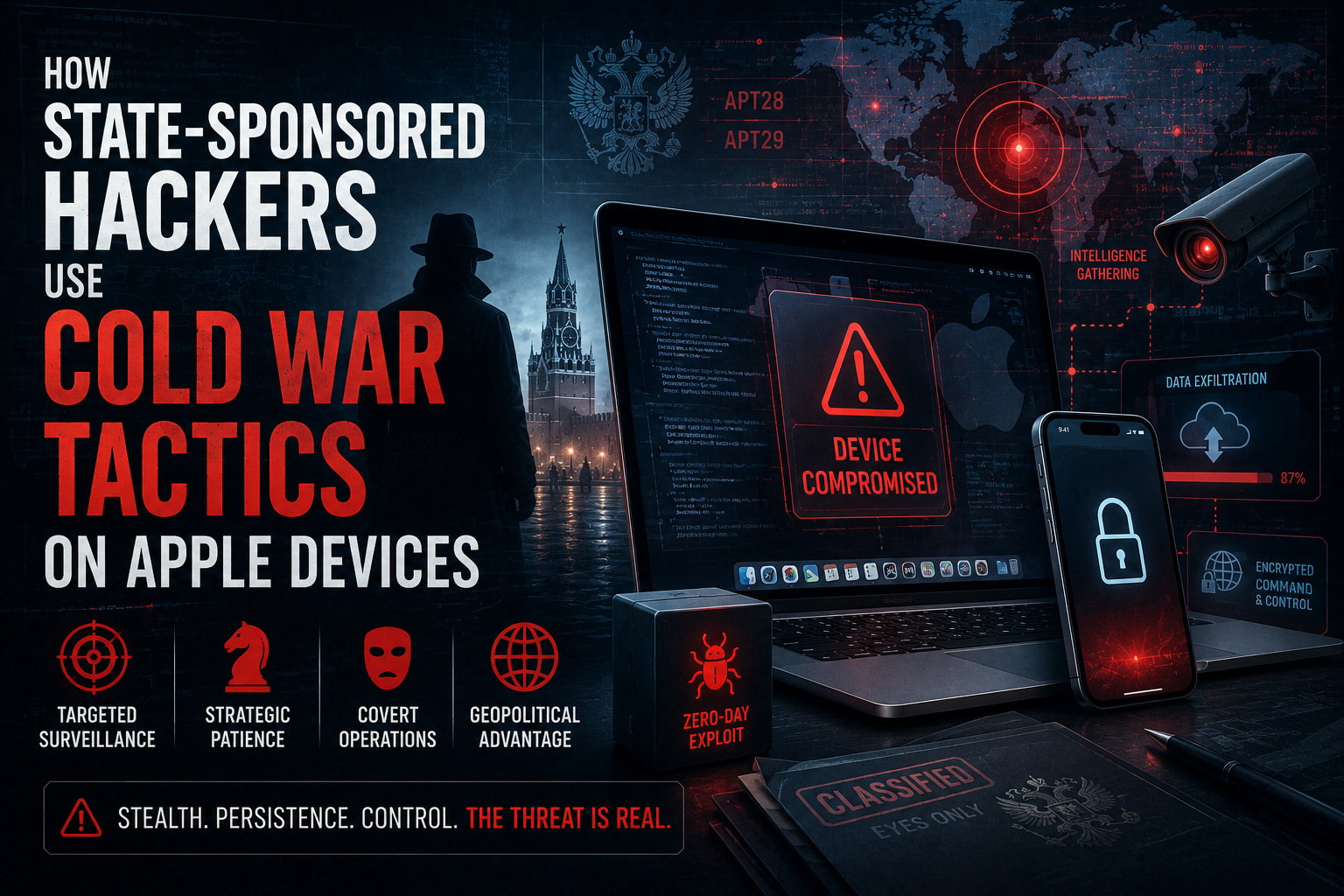
In 1970, a KGB officer in Vienna would recruit an asset the same way every time: establish contact through a trusted intermediary, build rapport over months, extract information through a seemingly innocent channel, and vanish without a direct connection that could be traced back to Moscow. The process was meticulous. Deniable. Devastatingly effective.
Today, a threat actor working for the same geopolitical principals operates almost identically—except the asset is your iPhone, the recruitment happens via a zero-click iMessage exploit, the information channel is an encrypted C2 beacon disguised as routine HTTPS traffic, and the handler in Moscow (or Beijing, or Pyongyang, or Tehran) receives your microphone feed in real time.
The tradecraft is identical. The technology is different. The consequences are worse.
This is not hypothetical. Documented campaigns from groups attributed to Israel, Russia, China, North Korea, and Iran have successfully compromised iPhones belonging to heads of state, senior journalists, human rights lawyers, and enterprise executives. The victims did nothing wrong. They didn’t click a suspicious link. They simply existed within range of a well-funded adversary.
Understanding how these attacks work—and more importantly, how they map to Cold War intelligence doctrine—is the first step toward building defenses that actually hold. This guide covers both.
The Cold War Connection: Why Intelligence Doctrine Matters to Cybersecurity
Modern threat intelligence analysts frequently borrow terminology from intelligence tradecraft—and for good reason. The organizations carrying out today’s nation-state iPhone attacks are, in many cases, the same institutions that ran Cold War spy networks. Russia’s SVR and FSB trace directly to the KGB. China’s MSS operates on doctrine developed during the Cold War era. The people didn’t change. The tools did.
Understanding Cold War tradecraft illuminates attack patterns that purely technical analysis misses. When Citizen Lab documented a Pegasus implant on a journalist’s iPhone that had been dormant for six weeks before activating to exfiltrate a specific set of documents, that’s not a software bug—it’s a sleeper agent. When state-sponsored malware uses a legitimate cloud storage service to exfiltrate data rather than a dedicated C2 server, that’s a dead drop. The vocabulary maps precisely because the doctrine is the same.
“We’re not fighting hackers. We’re fighting intelligence agencies that happen to use code as their primary weapon.”
— Senior Threat Intelligence Researcher, cited in GuardedWorker’s Nation-State Threat Actor OverviewFor enterprise security teams, this reframing matters. Perimeter defenses designed to stop opportunistic cybercriminals offer limited protection against actors who plan operations for months, invest millions in zero-day acquisitions, and accept a high rate of failure on individual attempts because patience and persistence are institutional values baked into their doctrine. As we explored in our analysis of advanced persistent threat landscapes for enterprise security teams, the defining characteristic of nation-state actors is precisely that persistence.
Why State-Sponsored Hackers Specifically Target Apple Devices
The question deserves a direct answer, because it inverts the assumption most Apple users carry: doesn’t Apple’s closed ecosystem make iPhones more secure?
It does—and that’s exactly why they’re targeted.
The Concentration of High-Value Targets
iPhone market penetration among government officials, senior executives, journalists, lawyers, and activists is disproportionately high. A 2024 survey by Jamf found that 78% of enterprise mobile devices in regulated industries run iOS. Nation-state actors go where the targets are. If your intelligence objective is the communications of a UN special rapporteur or a senior official at a defense contractor, the iPhone is the most reliable attack surface.
The Economics of Zero-Day Markets
iOS zero-days command the highest prices in exploit broker markets precisely because iOS is the hardest to crack. Zerodium publicly advertises up to $2.5 million for a working iOS zero-click chain. Nation-states pay far more through non-public channels. This creates a paradox: Apple’s security rigor drives up the cost of exploitation, which selects for only the most well-funded actors—who then achieve a near-perfect success rate when they deploy, because defenders rarely anticipate attacks built on $5M worth of zero-day research.
The iCloud and Apple ID Attack Surface
Apple’s tight integration between devices, iCloud, and Apple ID creates a single point of identity that—if compromised—yields extraordinary access. Contacts, calendar, location history, photos, documents, messages, health data, and more. Compromising an Apple ID through phishing or credential stuffing is an order of magnitude cheaper than buying a zero-click exploit, and for less sophisticated actors, entirely sufficient. We cover the threat model in detail in our piece on Apple ID security for enterprise environments.
Six Cold War Tactics, Applied to Modern iPhone Attacks
The mapping between Cold War intelligence tradecraft and modern nation-state iPhone exploitation is not metaphorical—it is operational. Here are the six most significant parallels, with documented examples from confirmed attack campaigns.
The Zero-Click as Honey Trap
Modern form: Zero-click exploits require no user action. An attacker sends a specially crafted iMessage, Push Notification, or HomeKit packet. The target’s device processes it, triggers a memory corruption vulnerability, and is compromised—without the user ever seeing or interacting with any message. Pegasus was repeatedly delivered this way via iMessage (Project FORCEDENTRY, documented by Citizen Lab and confirmed by Apple in 2021).
Cloud Services as Dead Drops
Modern form: Nation-state malware on Apple devices exfiltrates data not to a dedicated C2 server (which would be blocked or detected) but to legitimate cloud services: Google Drive, iCloud, Dropbox, OneDrive. The data is staged, encrypted, and retrieved by the operator through an authenticated session. This traffic is indistinguishable from normal use.
Dormant Implants as Sleeper Agents
Modern form: Several documented iOS implants—including variants of the TriangleDB implant discovered during Operation Triangulation (attributed to a nation-state actor by Kaspersky in 2023)—sit silently on device, generating no network traffic and executing no collection, until receiving a specific wake command. They survive reboots through kernel-level persistence mechanisms.
Supply Chain as Fifth Column
Modern form: Supply chain attacks on iOS accessories (Lightning cables, charging pads), enterprise MDM certificates, TestFlight apps, and App Store apps with delayed malicious payloads. The OMG Cable, a commercially available hardware implant, demonstrated that physical accessories could establish wireless C2 to a connected iPhone. Apple’s review process has caught—and missed—malicious App Store submissions from nation-state actors.
Cutouts for Attribution Laundering
Modern form: Nation-states use commercial spyware companies (NSO Group, Candiru, DSIRF, Intellexa) as cutouts. The state purchases the spyware, deploys it against targets, and retains plausible deniability—”we didn’t write that malware, we licensed it.” This structure also allows operations to continue even when one layer is exposed or sanctioned.
Spear-Phishing as Targeted Recruitment
Modern form: Nation-state spear-phishing against Apple users is OSINT-intensive. Attackers pull LinkedIn profiles, conference appearances, published papers, and social media to craft lures so specific they pass even security-aware scrutiny. APT42 (attributed to Iran’s IRGC) has masqueraded as academic institutions and think tanks to deliver malicious iCloud credential harvesting pages to high-value targets.
Documented Attack Campaigns Against Apple Devices
The threat is not theoretical. The following campaigns are documented through peer-reviewed technical reports from Citizen Lab, Kaspersky, Amnesty Tech, Apple’s own threat notifications, and corroborating government disclosures.
Operation FORCEDENTRY (2021) — Pegasus via iMessage
Citizen Lab and Google Project Zero documented a zero-click iMessage exploit used to deploy Pegasus spyware against iPhone targets across nine countries. The exploit—dubbed FORCEDENTRY—weaponized Apple’s GIF rendering library using a technique called “integer overflow,” requiring absolutely no user interaction. Victims included human rights lawyers, journalists, and government officials. Apple issued an emergency patch (iOS 14.8) and subsequently sued NSO Group. The campaign demonstrated that a fully patched, security-conscious iPhone user could be compromised without triggering any warning or requiring any mistake. See our detailed technical breakdown in our Pegasus spyware explainer for enterprise teams.
Operation Triangulation (2023) — The Most Sophisticated iOS Attack Documented
Kaspersky’s Global Research and Analysis Team documented an attack chain against iPhones belonging to Kaspersky employees that used four separate zero-day vulnerabilities chained together—including one in an undocumented hardware feature of Apple Silicon that had apparently never been exposed publicly. The implant (TriangleDB) was extraordinarily stealthy: it operated entirely in memory, left minimal forensic traces, and had been active for at least four years before discovery. Apple patched all four CVEs (CVE-2023-32434, CVE-2023-32435, CVE-2023-38606, CVE-2023-41990) in emergency updates.
APT42 — Academic Spear-Phishing Against iPhone Users (Ongoing)
Mandiant and Google’s Threat Analysis Group have documented persistent campaigns by APT42 (attributed to Iran’s IRGC Intelligence Organization) targeting senior policy experts, academics, and journalists via phishing pages precisely mimicking Apple ID login, Google, and conference registration portals. Once credentials are captured, APT42 gains full iCloud access—photos, messages, documents, and live location data—without deploying any malware. The iPhone is compromised through entirely legitimate features. Our guide on iCloud security hardening for enterprise and high-risk users directly addresses this attack vector.
Apple Device Attack Vector Comparison
| Attack Vector | User Action Required? | Cost to Attacker | Detectable by User? | Defense Available? | Actor Tier |
|---|---|---|---|---|---|
| Zero-click iMessage exploit | ✕ None | $1M–$5M (zero-day) | ✕ Rarely | Lockdown Mode (partial) | Nation-state |
| Spear-phishing → Apple ID theft | ✕ Click required | Low ($100–$1,000) | ✓ If vigilant | Hardware security keys, MFA | Nation-state / organized crime |
| Malicious MDM profile install | ✕ Approval required | Low–Medium | ✓ Visible in settings | MDM policy governance | Nation-state / enterprise attacker |
| Weaponized USB / Lightning accessory | ✕ Physical access | Medium ($100–$10k hardware) | ✕ No indication | USB Restricted Mode | Nation-state / insider |
| Compromised App Store / TestFlight app | ✕ Install required | Medium (development cost) | ✕ App looks legitimate | App provenance verification | Nation-state / sophisticated criminal |
| Supply chain: compromised firmware | ✕ None | Very high (manufacturing access) | ✕ No user indication | Device provenance control | Nation-state only |
| SS7 / carrier-level interception | ✕ None | High (carrier access) | ✕ Invisible | End-to-end encrypted messaging only | Nation-state |
Who Is Being Targeted—and Why This Affects Everyone
It is tempting to read about state-sponsored iPhone attacks and conclude: I’m not a dissident or a diplomat, so I’m safe. This is a category error, and an increasingly dangerous one.
The targeting criteria for nation-state mobile surveillance operations have broadened significantly since 2015. Early Pegasus campaigns focused on activists and journalists in authoritarian states. By 2023, documented targets included:
- Senior executives at defense contractors and semiconductor companies
- Lawyers involved in trade secret litigation against foreign companies
- Academic researchers working on dual-use technology
- Family members of high-value primary targets (used for leverage or as entry points)
- Government contractors without security clearances who communicate with cleared colleagues
- Investors involved in strategic acquisitions in targeted sectors
The enterprise dimension is especially significant. In a remote work environment where a senior engineer’s iPhone is connected to corporate Slack, email, cloud storage, and internal tools, compromising that personal device is often easier than attacking the corporate network—and yields equivalent access. This is precisely why enterprise mobile device security policies must account for nation-state threat models, not just malware and phishing.
The secondary targeting problem—compromising someone adjacent to the actual target—is particularly insidious. In documented Pegasus campaigns, the phones of family members of targeted individuals were compromised to establish persistent access to the target’s physical environment (microphone) and communications (shared family plans, iCloud family sharing). Standard enterprise security entirely misses this attack path.
How to Defend Apple Devices Against State-Level Threats
Defending against nation-state-grade threats is genuinely harder than defending against commodity cybercrime. But it is not impossible. The defense framework below is organized by threat actor sophistication tier—allowing individuals and organizations to calibrate effort to realistic risk.
Checklist: Baseline Hardening (All Users)
- Enable automatic iOS/iPadOS/macOS updates — nation-state actors exploit patch gaps within hours of public disclosure
- Use a strong, unique Apple ID password (20+ characters, password manager) — never reuse credentials
- Enable two-factor authentication on your Apple ID — and upgrade to a hardware security key if you are at elevated risk
- Audit iCloud access: Settings → [Your Name] → iCloud → review every app with iCloud access
- Disable iMessage from unknown senders: Messages → Filter Unknown Senders (reduces zero-click attack surface)
- Install only App Store apps from known, established developers — avoid TestFlight for apps from unfamiliar sources
- Enable USB Restricted Mode: Face ID & Passcode → disable USB accessories when locked
- Set a complex alphanumeric passcode (not 6-digit PIN) — prevents local forensic extraction
- Audit signed-in devices regularly: Settings → Apple ID → scroll down to device list
- Never charge your iPhone from unknown USB ports or accept cables from untrusted sources
Checklist: Enhanced Protection (High-Risk Users & Executives)
- Enable Lockdown Mode (Settings → Privacy & Security → Lockdown Mode) — the single highest-impact setting for nation-state threat reduction
- Enroll a FIDO2 hardware security key (YubiKey, Google Titan) as your Apple ID MFA method — eliminates phishing-based account takeover
- Use Signal exclusively for sensitive communications — iMessage, while E2E encrypted, has been the delivery vector for multiple zero-click chains
- Deploy encrypted DNS (DoH or DoT) via a trusted resolver — prevents ISP and network-level traffic analysis
- Use a reputable mobile VPN when on untrusted networks — select providers with independently audited no-log policies
- Disable Bluetooth and AirDrop when not in use — both have been attack vectors in nation-state campaigns
- Review location services permissions quarterly: which apps have “Always On” access that they don’t need
- Enable Advanced Data Protection (iCloud) — end-to-end encrypts your iCloud backups, photos, Notes, and more
- Use a dedicated device for highest-sensitivity work if threat assessment warrants — device separation limits blast radius
- Reboot your iPhone daily — most documented iOS implants are non-persistent and do not survive a full reboot
Checklist: Enterprise Mobile Security Governance
- Deploy a Mobile Threat Defense (MTD) platform that includes device attestation, network threat analysis, and app vetting
- Mandate Lockdown Mode for C-suite, legal, M&A, and R&D employees — document the policy exception process
- Integrate MDM posture signals into your zero trust access policy — non-compliant devices lose access automatically
- Run quarterly iVerify or Amnesty Tech MVT (Mobile Verification Toolkit) scans on devices of high-risk employees
- Prohibit corporate email and Slack access from personal devices without containerization and MDM enrollment
- Establish a clear Threat Notification Response Protocol for when Apple sends state-sponsored attack alerts to employees
- Train high-risk employees on spear-phishing recognition specific to Apple ID credential harvesting pages
- Maintain a documented device provenance chain — where were enterprise devices manufactured, shipped, and staged?
Tools for Protecting Apple Devices from Nation-State Threats
No single product stops a nation-state with a $5M zero-day budget. But the tools below meaningfully reduce the attack surface, improve detection, and raise the operational cost for attackers—which is exactly how effective defense works. Our detailed reviews are linked from GuardedWorker’s Apple security tools directory.
iVerify by Trail of Bits
Purpose-built iOS threat detection app that scans for indicators of compromise associated with known nation-state spyware including Pegasus. Also provides hardening recommendations and a daily security digest. Used by security researchers and enterprise teams who need a practical IOC scanning capability without forensic lab access.
Explore iVerify ** [AFFILIATE LINK — replace with your tracked URL]
YubiKey 5Ci
The gold standard for phishing-resistant authentication on Apple devices. The 5Ci includes both Lightning and USB-C connectors, making it compatible with all iPhone and Mac generations. Registering a YubiKey against your Apple ID eliminates the entire spear-phishing credential-theft attack class documented in APT42 campaigns.
Get YubiKey 5Ci ** [AFFILIATE LINK — replace with your tracked URL]
Signal
The only messaging platform whose encryption protocol has been independently peer-reviewed, whose metadata handling has been tested in adversarial legal proceedings, and whose source code is entirely open. For any communication that would be of interest to a nation-state actor, Signal is the correct answer. The sealed sender feature additionally obscures communication metadata at the server level.
Use Signal (Free)Mullvad VPN
One of very few VPN providers to have completed an independent no-log audit with full technical scope. Accepts anonymous payment, does not require an email address to register, and has a proven track record of cooperating with no law enforcement requests because there is no data to hand over. For high-risk users, the threat model for a VPN is fundamentally different from casual privacy use—Mullvad is engineered for exactly this.
Explore Mullvad ** [AFFILIATE LINK — replace with your tracked URL]
Jamf Protect
Enterprise-grade mobile threat defense for Apple-centric organizations. Jamf Protect provides real-time threat event telemetry, behavioral analytics, and integration with SIEM/SOAR platforms. Its device attestation capability feeds directly into zero trust access decisions—a non-compliant or potentially compromised device loses corporate access automatically and immediately. See our full Jamf Protect review for enterprise deployment guidance.
Explore Jamf Protect ** [AFFILIATE LINK — replace with your tracked URL]
Amnesty Tech MVT
The Mobile Verification Toolkit (MVT) is the open-source forensic tool developed by Amnesty International’s Security Lab to detect Pegasus and other nation-state spyware indicators on iPhone backups and full filesystem extractions. Not a consumer app—requires technical skill to operate—but it is the tool used by civil society organizations and security researchers to confirm compromises. Free and open source.
MVT (Free, Open Source)Is Your Organization Prepared for Nation-State Mobile Threats?
Download GuardedWorker’s free Apple Device Security Policy Template — designed specifically for organizations with nation-state threat exposure.
Download Free TemplateFrequently Asked Questions
Conclusion
The Cold War ended. The surveillance apparatus it built did not. It evolved, privatized, and found a new weapon: the device in your pocket that knows where you are, who you talk to, what you believe, and what you fear. Nation-state actors did not need to invent new doctrine. They transplanted the old one into silicon.
Understanding this mapping—dead drops to cloud exfiltration, sleeper agents to dormant implants, cutouts to commercial spyware vendors—is not an academic exercise. It changes how you think about defense. Perimeter tools and antivirus software were designed for a different adversary. Against state-level attackers who spend millions on a single exploit and plan operations over years, the relevant questions are different: How do I shrink the attack surface? How do I make the cost of targeting me exceed the intelligence value? How do I detect the indicators of compromise that survive even the stealthiest implants?
The answers—Lockdown Mode, hardware security keys, daily reboots, encrypted communications, enterprise MTD, forensic scanning—are all available today. They require effort and some friction. They are worth it.
For further reading: our enterprise mobile security guide, our analysis of Pegasus spyware impact on enterprise organizations, and our zero trust architecture guide for remote workforces—which covers how device trust integrates into the broader security framework.
Tags:
2 apple devices one account2 apple devices with same apple id5 apple ios warning5 apple ios warning messageapple device 2apple device hacked notificationapple device has been hackedapple devices at riskapple devices being hackedapple devices bugapple devices compromisedapple devices cyber attackapple devices get virusesapple devices getting hackedapple devices hackedapple devices virusapple hacked deviceapple products being hackedare apple devices being hackedare apple devices easily hackedare apple devices hackableare apple devices hard to hackare apple devices safeare apple devices safe from hackersare apple devices securecan a apple device be hackedcan apple devices be hackedcan apple devices get hackedcan apple devices have virusescan apple products be hackedcan you get hacked on apple devicesdo apple devices get hackeddo apple devices have antivirusdo apple devices have virus protectione apple devices apphacked apple devicehacked iphone 18has apple been hackedhow do i know if my apple device is hackedhow often do apple devices get hackedhow secure are apple devicesiphone 6 hackedis apple being hackedis apple devices legitis my device hacked iPhonejailbreak apple deviceslock apple device remotelymy apple device has been hackedmy apple devices infounauthorized apple devicewhat apple devices are at risk of being hackedwhat to do if your phone is hacked applex apple data detectors 2x apple data detectors 3x apple data detectors 5x apple data detectors embedded resultyour apple device has been hacked messageyour device apple has been hackedyour device apple iphone has been hackedyour device apple iphone might have been hacked